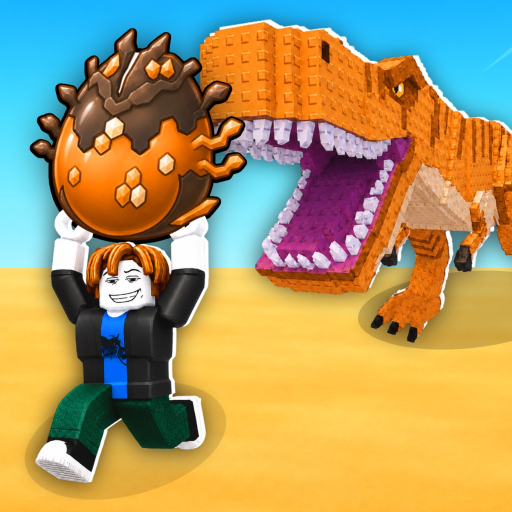
FIELD NOTE
Egg-to-Pet steps
Finish each visible state before moving to the next one.
| State | What to do |
|---|---|
| Steal | Interact with the target Egg using the prompt shown on your device. |
| Carry | Return toward your Pen while the Egg is being carried. |
| Place Egg | Use the placement prompt inside your Pen. |
| Ready and hatch | Wait for Ready, then use the available hatch interaction. |
| Place Pet | Place the resulting Pet in your Pen and check the next progression state. |
Do not rely on one fixed keyboard key; follow the control shown for your platform.
FIELD NOTE
If the flow stops
Use your current state to decide what to do next.
Not carrying an Egg: return to an Egg and use the current Steal prompt.
Carrying an Egg: go back to your own Pen and look for the placement prompt.
Egg placed but not Ready: wait for the visible state to change.
Pet not placed: complete the Pet-placement prompt before checking income.
FIELD NOTE
What to check after hatching
The new Pet should lead into the next part of your progression loop.
Place the Pet and watch for fresh money feedback or a balance change.
The Pet you receive, hatch time, and income value may differ between Eggs or accounts.
Use the Get Rich Guide once the Pet is placed and producing income.
QUICK ANSWERS
Frequently asked questions
How do I hatch an Egg?
Carry it to your Pen, place it, wait for the Ready state, and use the hatch interaction shown on your device.
How long do Eggs take to hatch?
There is no single time listed for every Egg. Follow the timer or state shown for the Egg you placed.